
As a business owner, managing day-to-day operations, finances, and customer satisfaction can be a complex and demanding task. Implementing a robust system like Odoo ERP can streamline these processes, helping your business operate more efficiently. But where should you begin? What does the implementation process involve, and what services should you expect from an Odoo ERP consultant?
In this blog, we’ll guide you through the step-by-step process of Odoo ERP implementation and provide a detailed overview of the services offered, ensuring you have the insights needed to make an informed decision for your business.
What is Odoo ERP and Why Should You Consider It?
Before we dive into the steps, let’s briefly touch on why Odoo ERP is becoming a popular choice for businesses like yours.
Odoo ERP (Enterprise Resource Planning) is a powerful and flexible system that integrates all your business functions into one platform.
Whether you’re managing sales, inventory, finance, or customer relations, Odoo helps streamline processes, improve efficiency, and enhance productivity.
With its modular design, you can start small by choosing only the features you need and scale up as your business grows.
Step-by-Step Odoo Implementation Checklist

1. Define Your Business Requirements
Start by identifying what your business needs.
- Which processes do you want to improve or automate?
- Do you need better management of your inventory,
- Are you looking to enhance customer relationships?
Pro Tip: Involve key employees from different departments to get a complete view of your business needs.
2. Choose the Right Odoo Modules
- Odoo offers a wide variety of modules, including sales, inventory, accounting, and HR. Based on your requirements, select the modules that will provide the most value.
- Example: If you’re in retail, the inventory and POS (Point of Sale) modules might be top priorities.
3. Data Migration and Preparation
- Migrating your existing data to Odoo is a crucial step. Whether it’s customer records, financial data, or product details, ensure your data is clean and organized before migration.
- Common Challenge: Many businesses struggle with data migration. Make sure to back up your data and work with an expert to avoid any loss.
4. Customization to Fit Your Business
- One of the strengths of Odoo is its flexibility. If your business has unique processes, your Odoo implementation partner can customize the system to fit those needs.
- Customization Tip: Ensure the system reflects your real-world workflows, which will make adoption much smoother for your team.
5. Integration with Existing Systems
- If you’re already using other software (like CRM, payroll, or inventory management tools), integrating them with Odoo is essential for a seamless workflow.
- Integration Example: If you use QuickBooks for accounting, you’ll want to integrate it with Odoo’s accounting module for better financial oversight.
6. User Training and Testing
- Once the system is set up, it’s time to train your team. Conduct hands-on training sessions to ensure everyone understands how to use the new system effectively.
- Why This Matters: Training reduces the learning curve and helps avoid mistakes during the transition phase.
7. Go Live and Post-Implementation Support
- After everything is set up and tested, it’s time to go live. However, this is not the end of the process. You’ll need ongoing support to troubleshoot any issues that come up and optimize the system as your business evolves.
- Pro Tip: Always work with an implementation partner who offers post-go-live support to ensure long-term success.
What Services Are Included in Odoo ERP Implementation?
Now that you know the steps involved in the implementation process, you might be wondering what services you should expect from an Odoo ERP consultant. Let’s break them down:
1. Initial Consultation and Needs Assessment
- Your Odoo consultant will begin by understanding your business, its challenges, and what you hope to achieve with Odoo ERP. This initial consultation is essential to tailor the system to your specific needs.
- What’s Included? A detailed analysis of your business processes, pain points, and potential areas for improvement.
2. Odoo ERP Customization
- Odoo is not a one-size-fits-all system, which means it can be customized to suit your business. Whether it’s adding specific features or modifying workflows, the customization phase ensures the system fits your day-to-day operations.
- Key Benefit: You get a system that works exactly the way you need it to, without unnecessary complexity.
3. Data Migration
- Moving your existing data (e.g., customer lists, financial records) into Odoo is often one of the trickiest parts of implementation. A good Odoo consultant will handle this process carefully to ensure all your data is transferred correctly and efficiently.
- Service Highlight: Data validation and backup are critical steps here to avoid any loss or corruption.
4. Module Setup and Configuration
- Once the right modules are selected, they will be configured according to your business needs. For example, if you run a service-based business, the project management module can be tailored to track client projects, timelines, and resources.
- Services Included: Configuration of selected Odoo modules, ensuring each module is fully functional.
5. User Training
- After setup, user training is essential to ensure your team knows how to use the system. This could include live training sessions, online resources, or even one-on-one guidance.
- Why It’s Important: Effective training ensures smooth adoption of the new system, minimizing disruptions to your business.
6. Ongoing Support and Maintenance
- After the system goes live, you’ll need ongoing support to handle any issues that arise and to optimize the system as your business grows.
- Service Features: Many Odoo partners offer maintenance packages that include regular updates, bug fixes, and system optimizations.
Common Challenges and How Odoo Helps Overcome Them
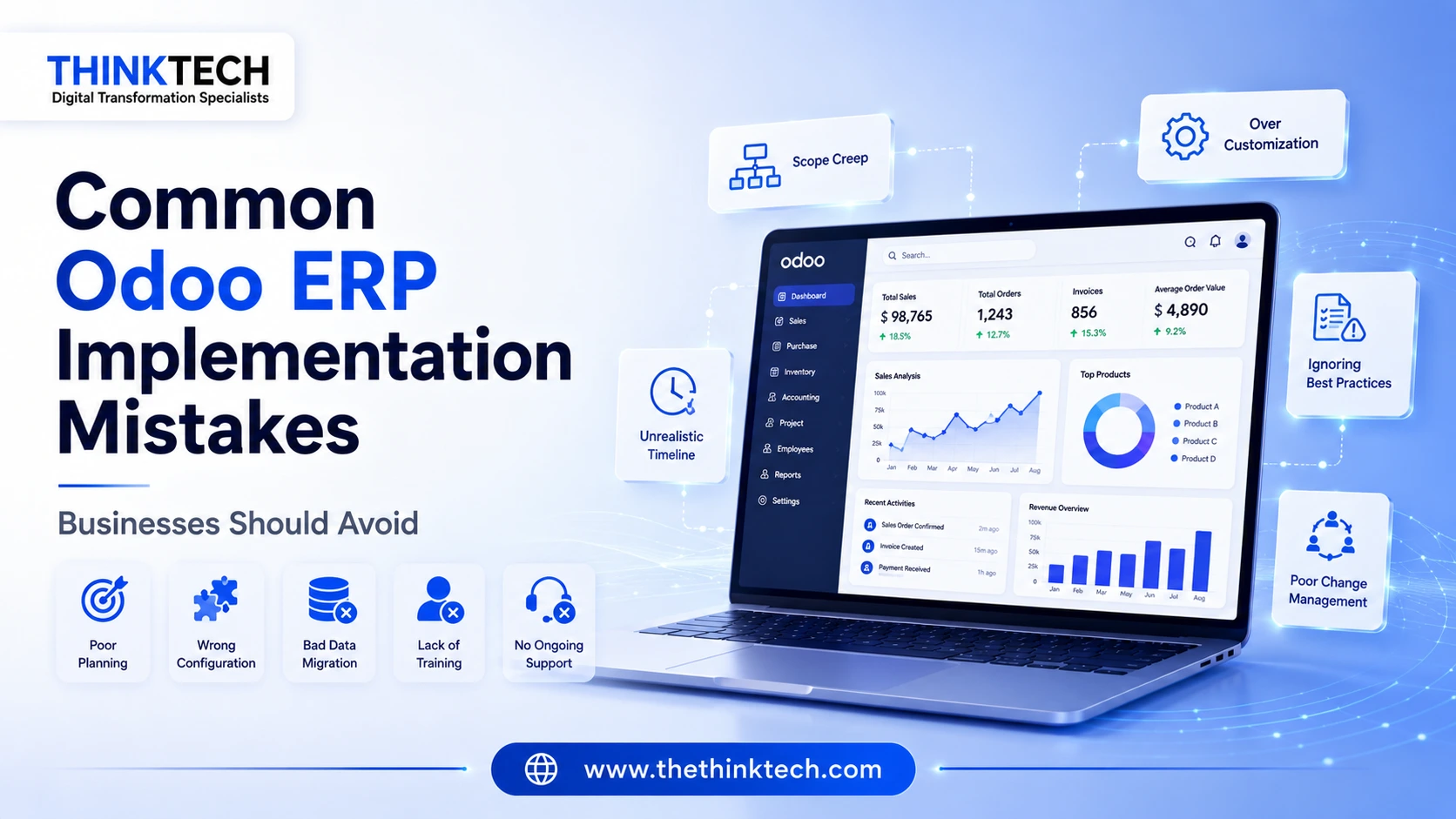
While Odoo ERP offers many benefits, businesses often face a few common challenges during implementation. Here’s how Odoo can help:
- Data Migration Headaches
Many businesses worry about data loss during migration. Odoo consultants ensure that your data is safely transferred and validated. - Customization Complexities
Some businesses need unique features. Odoo’s modular nature allows easy customization to meet specific needs. - Team Resistance
Change can be difficult for employees. With proper training and a user-friendly interface, Odoo helps ensure a smooth transition.
How Much Does Odoo ERP Implementation Cost?
The cost of Odoo ERP implementation depends on several factors:
- Business Size: Larger businesses with more complex needs will require more customization and modules.
- Customization Level: The more customizations, the higher the cost.
- Support Packages: Ongoing support and maintenance packages can affect the total cost.
The best way to get an accurate estimate is to schedule a consultation with an Odoo implementation partner.
Why Choose ThinkTech for Your Odoo ERP Implementation?
We understand that implementing a new system can be overwhelming, especially for growing businesses. That’s why we’re here to guide you every step of the way, from the initial consultation to post-implementation support. Our goal is to help you streamline your operations and make your business more efficient.
Conclusion
Implementing Odoo ERP doesn’t have to be a daunting task.
By following a structured checklist and working with the right implementation partner, you can transform your business operations smoothly and effectively.
From understanding your business needs to providing ongoing support, we’re here to ensure your success every step of the way.
Request your free consultation now, and let’s take the first step towards optimizing your business with Odoo ERP.